Enterprise Runtime Management
Run AI across private runtime, cloud providers, and GPU workloads.
Connect vLLM, Ollama, internal inference clusters, private cloud, public cloud, and provider APIs
through one routing and policy layer.
Private AI runtime
Bring internal model capacity into the same gateway.
- Connect vLLM, Ollama, internal inference clusters, and GPU workloads.
- Expose private models through approved model aliases and routes.
- Keep private and cloud lanes visible in the same operational surface.
Runtime policy
Control which workloads can use which runtime.
- Choose which runtime can access which model.
- Define which workspace can use which provider.
- Set allowed routing paths and runtime-specific restrictions.
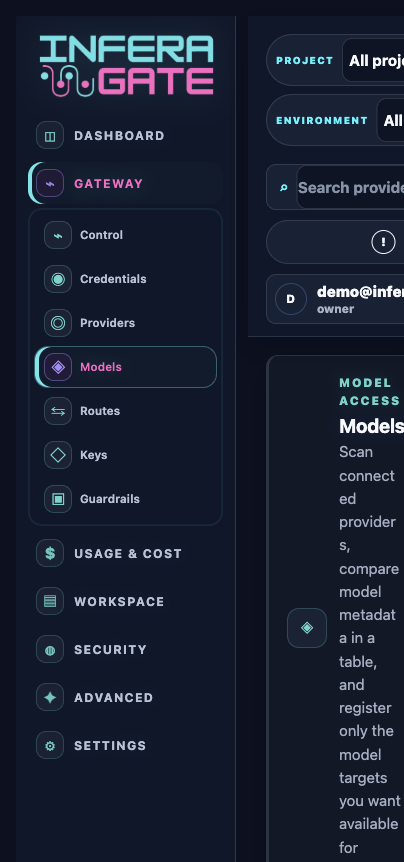
Console areaProviders, Models, Routes, Readiness
Primary usersPlatform, ML infra, engineering
OutcomeHybrid AI architecture without app rewrites
Step by step
Connect private runtimes and publish approved model targets.
Open models
- 01
Add the runtime providerCreate an Ollama, vLLM, private GPU, or managed API lane with a stable endpoint.
- 02
Attach credentialsBind a saved secret or production reference so the provider can be validated securely.
- 03
Register modelsScan or manually add model ids, families, context windows, capabilities, and pricing metadata.
- 04
Serve by routeExpose only approved aliases through routes so applications do not depend on raw runtime details.