Inferagate
Governance & Enterprise Control

Centralize AI permissions, workspaces, credentials, and policy posture.

Give each team, customer, project, and environment its own AI boundary without losing centralized control.

Workspace isolation

Separate AI environments cleanly.

  • Organize by team, department, customer, project, and environment.
  • Control access to models, providers, APIs, workspaces, and runtime actions.
  • Use roles for owners, admins, security operators, and viewers.

Credential management

Store and rotate provider access in one place.

  • Manage provider credentials, API keys, access tokens, and runtime secrets.
  • Prepare credentials before providers are connected.
  • Track model usage, token consumption, provider activity, and security events.
Console areaWorkspace, Security, Credentials
Primary usersAdmins, security, platform owners
OutcomeControlled AI adoption by scope
Step by step

Separate teams, roles, and approvals before traffic scales.

Open access control
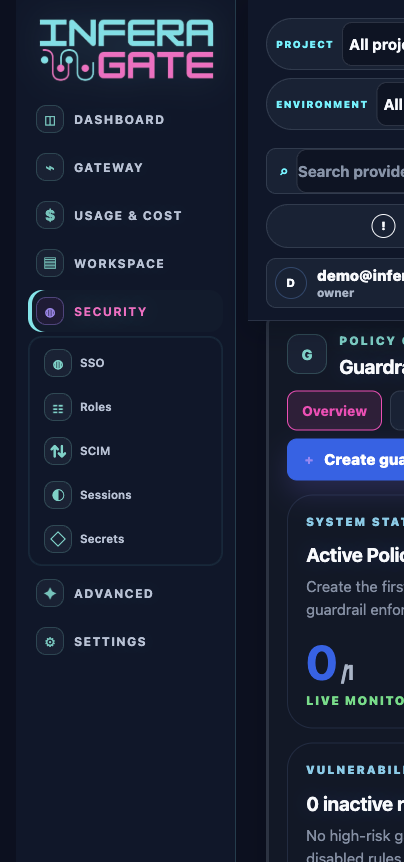
Inferagate governance and access control screen
  1. 01
    Define workspace scope

    Separate teams, customers, projects, and environments so each group has its own governed lane.

  2. 02
    Assign operator roles

    Use owner, admin, security, and viewer roles to match each operator to their actual job.

  3. 03
    Connect identity controls

    Map SSO, MFA, SCIM, and group rules so access follows the enterprise directory lifecycle.

  4. 04
    Audit every change

    Review role changes, credential actions, route edits, and policy updates without exposing prompt content.