Explore how Inferagate supports enterprise AI operations.
Choose the operating area you care about: gateway control, AI security, governance, private runtime, observability, or business value.
From first workspace to production traffic.
A practical walkthrough for the core setup path: create the workspace, connect providers, register approved models, route traffic, apply guardrails, and watch usage grow.
- 01Create the workspace
Start with a work email, workspace name, country, phone, and password confirmation.
- 02Add credentials
Store provider tokens first so future provider lanes can reuse approved secrets.
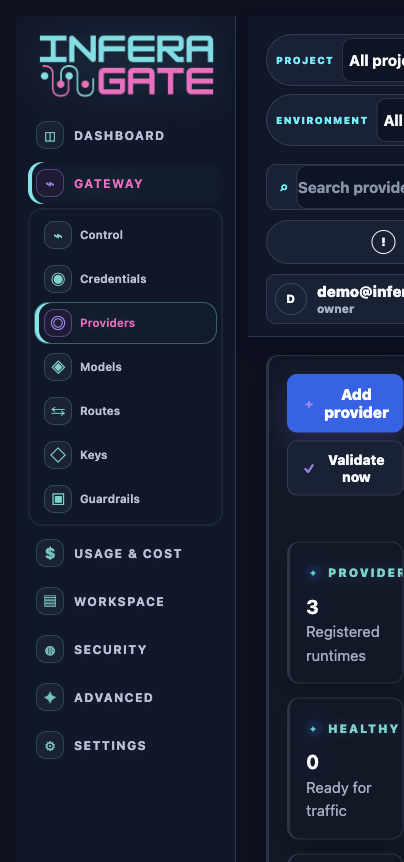
- 03Connect providers
Choose OpenAI, Anthropic, Ollama, Azure, Bedrock, or another supported provider type.
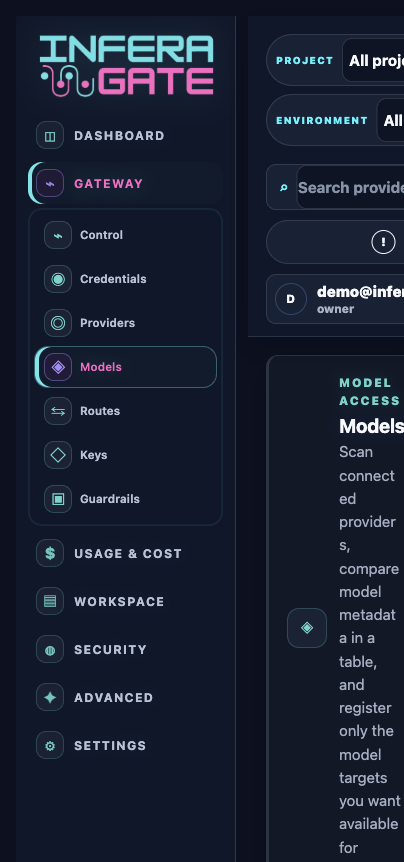
- 04Register models
Scan provider catalogs, compare model metadata, pricing, capabilities, and enable only approved targets.
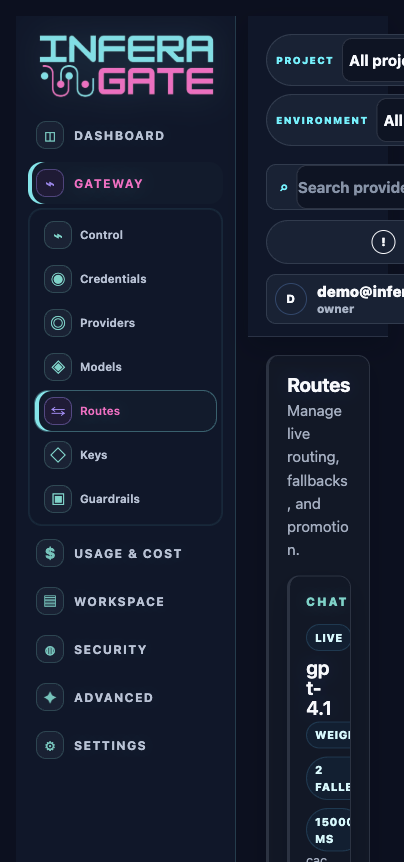
- 05Create routes
Set primary models, fallback order, timeout behavior, and rollout controls per use case.
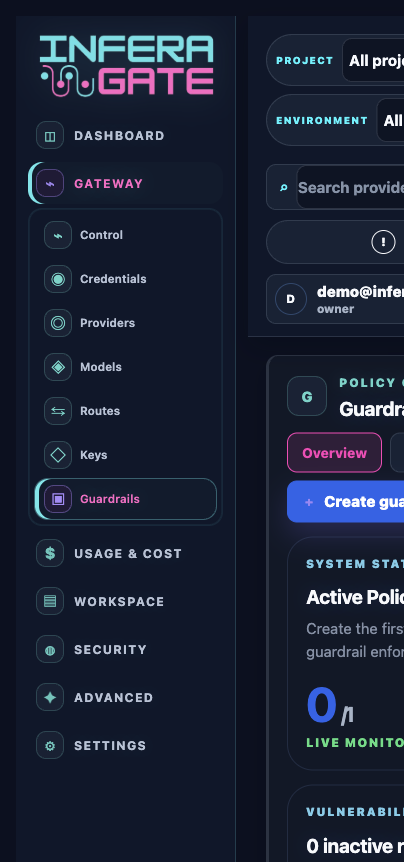
- 06Enforce guardrails
Add DLP, prompt-injection checks, unsafe-content policies, and approval flows.
- 07Operate live traffic
Review events, spend, latency, provider health, security outcomes, and export telemetry.